
 AppExchange app
ORGanizer Connector
A free AppExchange app for keeping a shared, permission-controlled repository of Salesforce credentials inside a Salesforce ORG.
Extension integration removed in 1.0
Version 1.0 of the browser extension no longer integrates with the Connector app: the Connector panel and the Get Backup / Import Logins flow were removed from the Options page together with the Google Drive backup. The AppExchange package itself is unaffected and still installs and works on its own, and its REST API is still there for a custom integration — see the example script.
ORGanizer Connector is free and installs on any ORG type — production, sandbox or developer edition.
What the app does
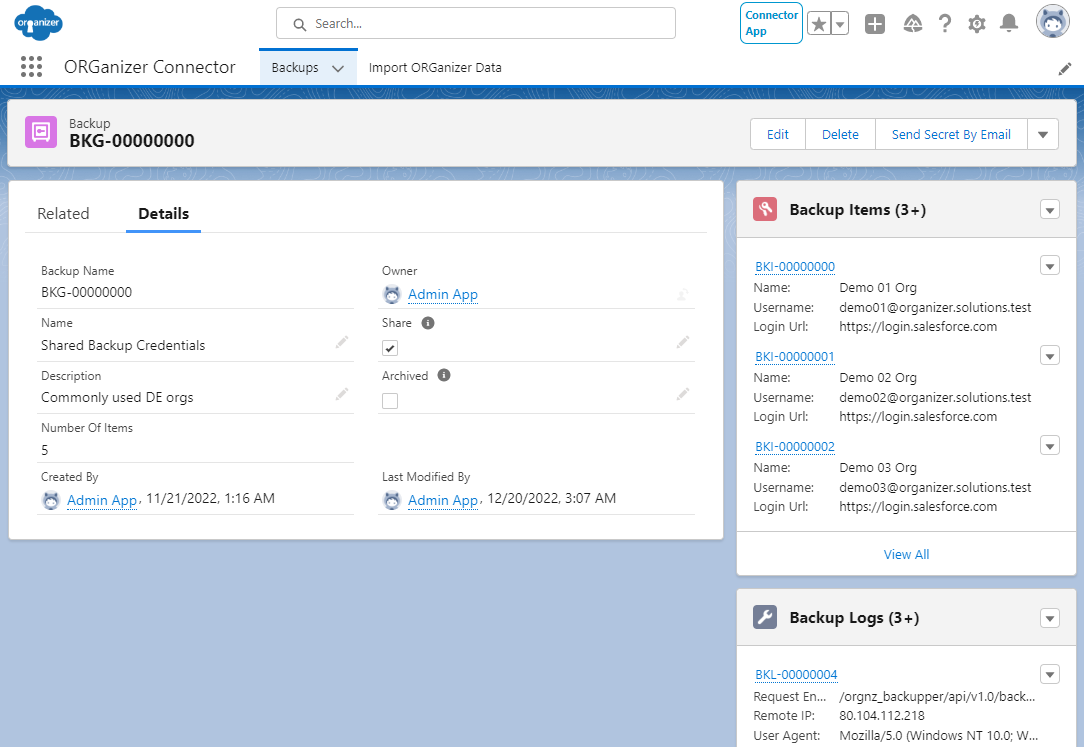
Credential backups, encrypted per record
Create Backup records holding one or more credentials (Backup Items). The secrets — password and token — are encrypted with a key stored on the parent Backup record, so only someone with access to that record can decrypt them.
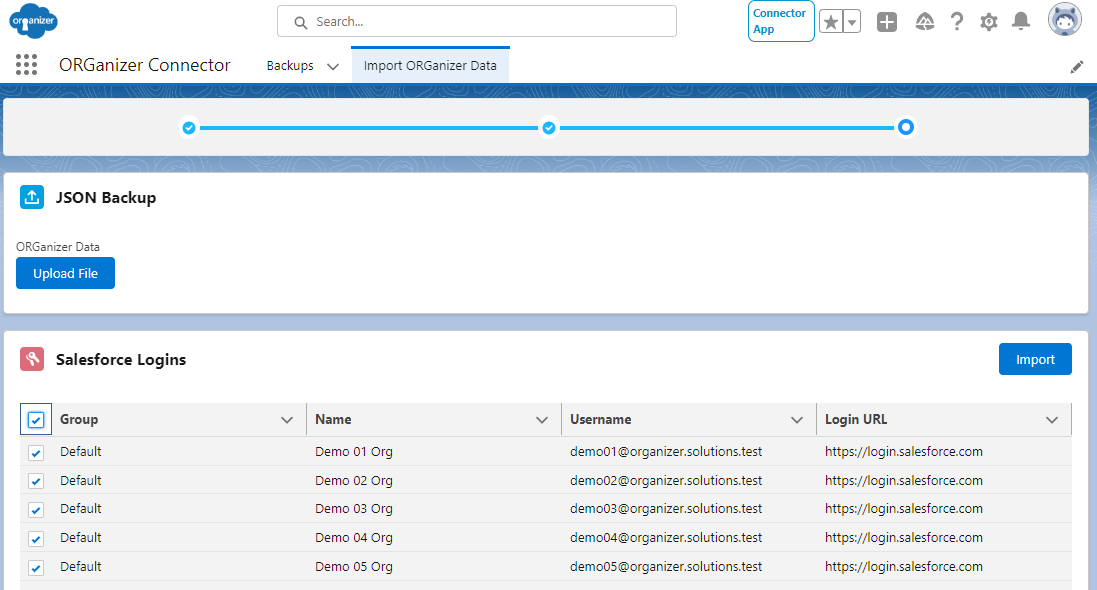
Bulk import of ORGanizer backup files
Feed it an ORGanizer for Salesforce backup file and it creates the Backup records for you.
Standard Salesforce sharing
Each Backup is shared through the standard Salesforce sharing model, so a user sees only the records they are entitled to. A Private model extended with sharing rules or manual sharing is the recommended setup.
A REST API to integrate with
With access to a Backup record, the Send Secret by Email button mails you the encryption secret. That secret decrypts the credentials through the Reveal Password & Token button on the Backup Item, or through your own integration — the package exposes REST endpoints for exactly that, and the GitHub example shows how to call them.
Installing it
Install the package from the AppExchange listing. The Administrator & User Guide under Resources & Documentation covers the package components and the installation options.
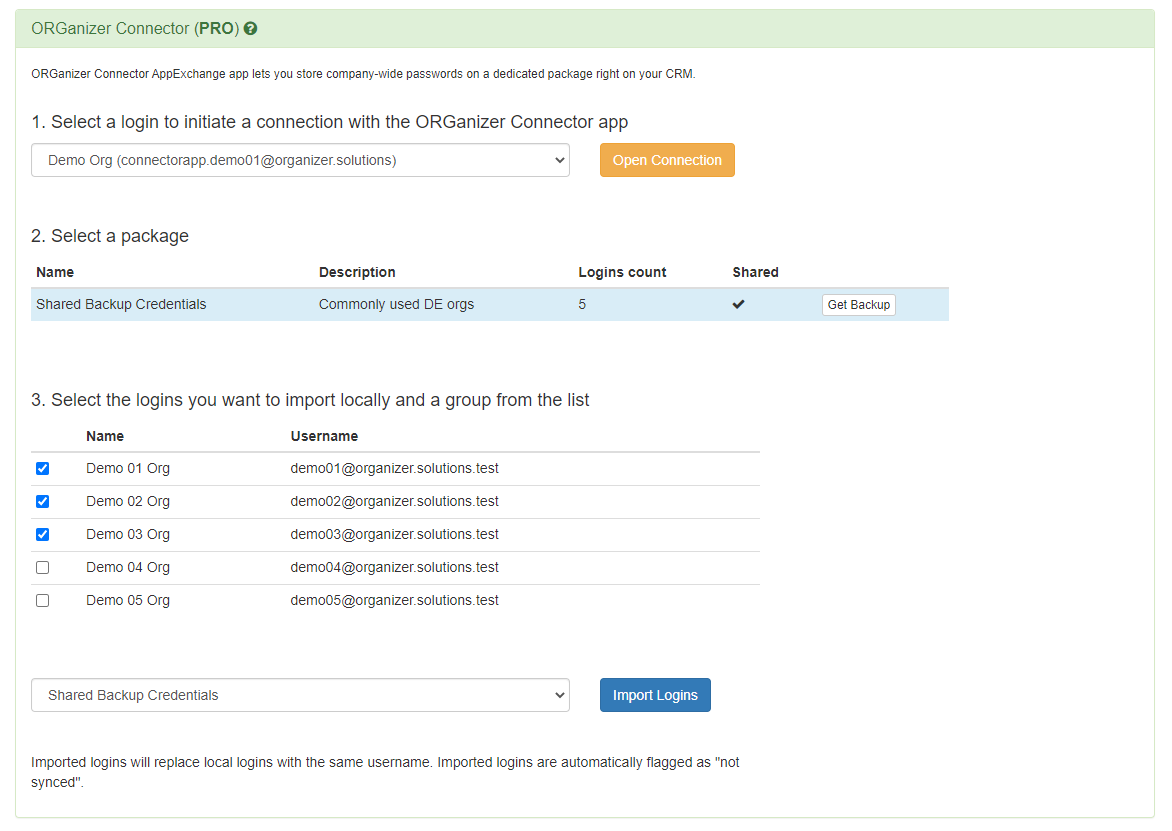
The extension integration, as it was
The video below shows the in-extension flow as it worked before version 1.0. It is kept here for reference; the flow no longer exists in the current extension.